بسم الله الرحمان الرحيم اصدقائي الاعزاء في درسنا هذا سوف نتحدث عن كيفية مشاركة الانترنت من هاتف الاندرويد و تحويله الى روتر ينتج ال WI-FI بدون تحميل اي تطبيق , لان هذه الخاصية موجودة في نظام الاندرويد .
كل ما نحتاجه في هذا الدرس هو هاتف اندرويد يحوي كارت اتصال انترنت اي network card + رصيد 3G
الشرح المصور
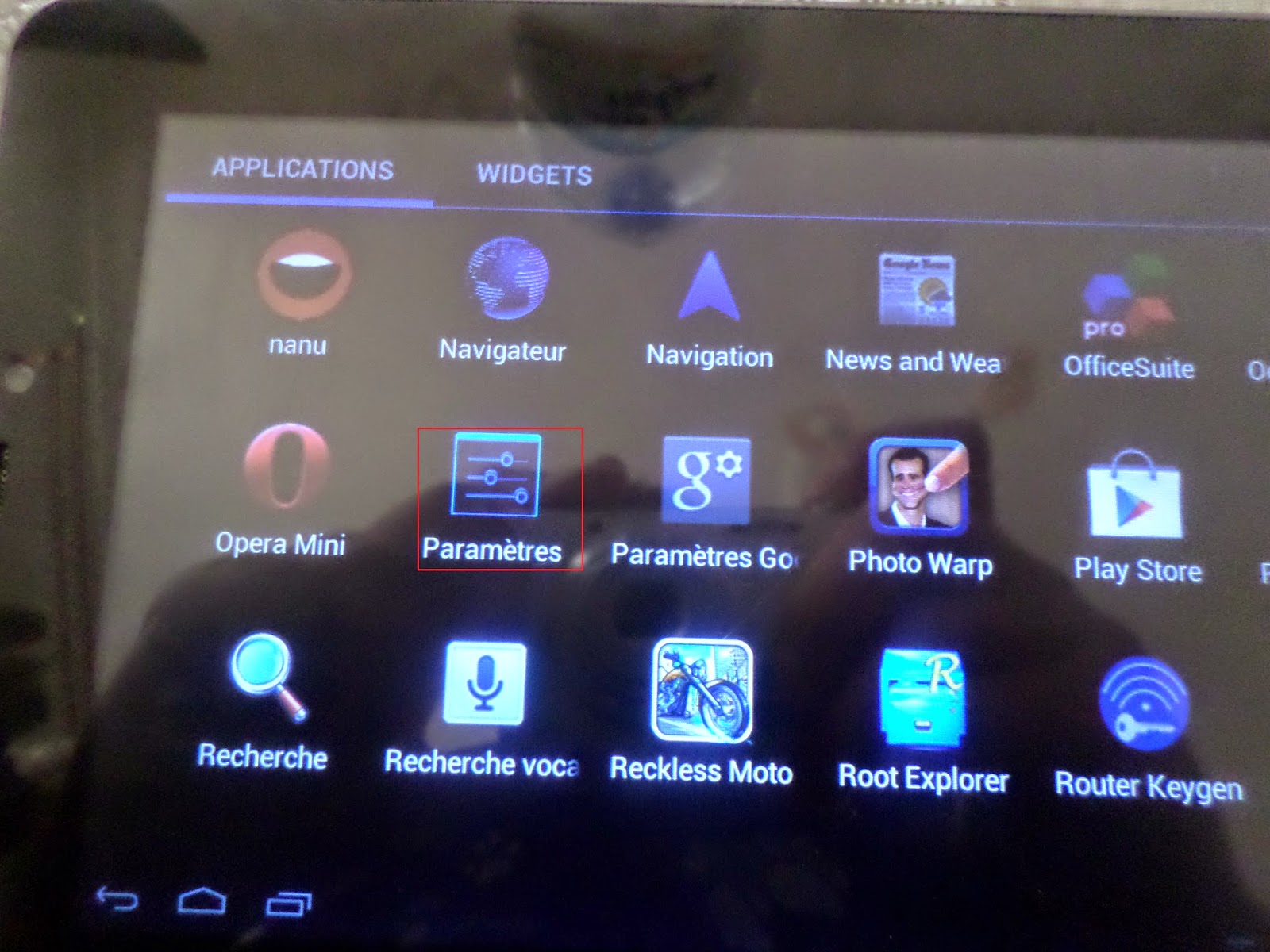 |
| نذهب الى الاعدادت |
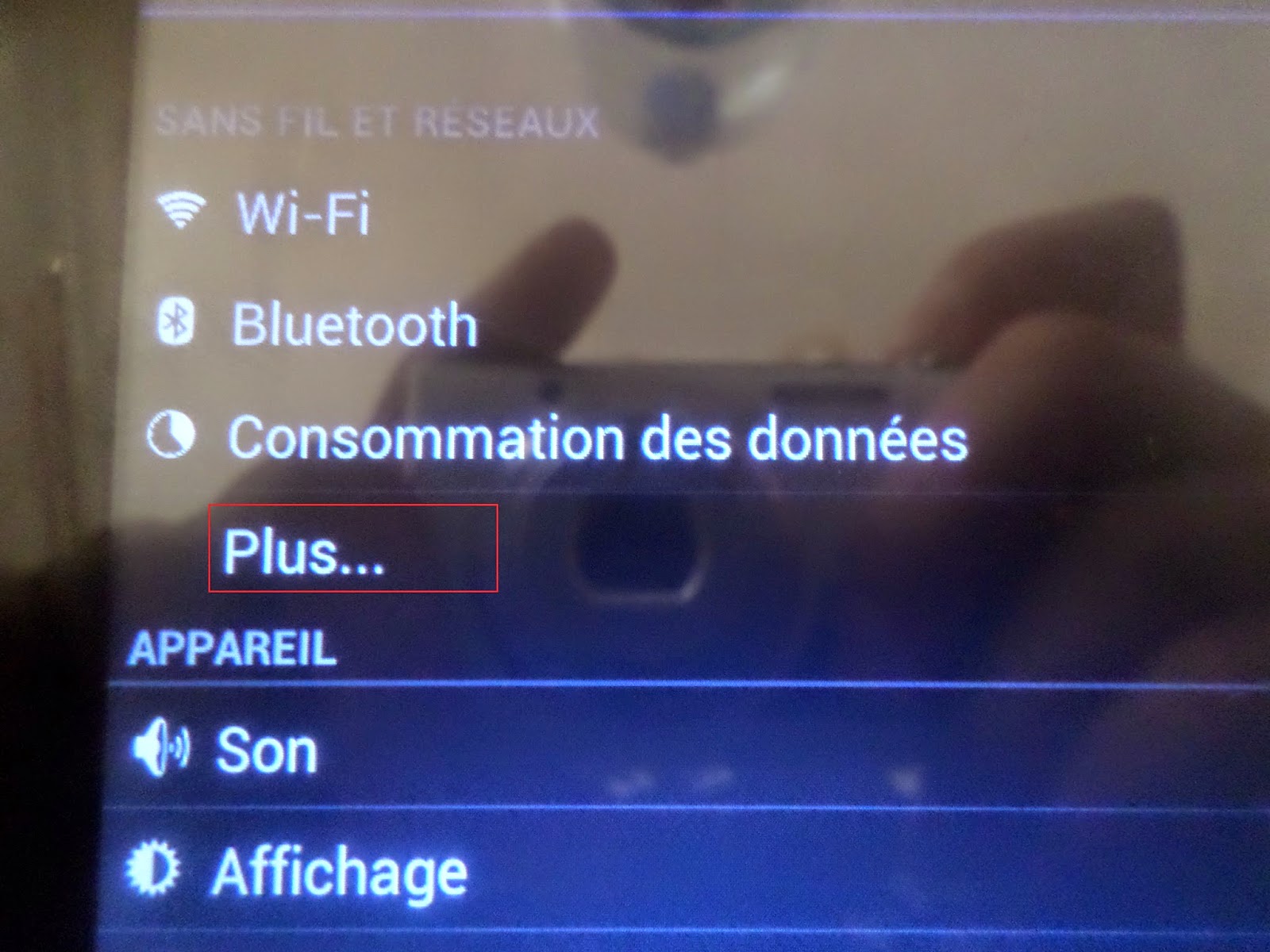 |
| نذهب الى اضافي |
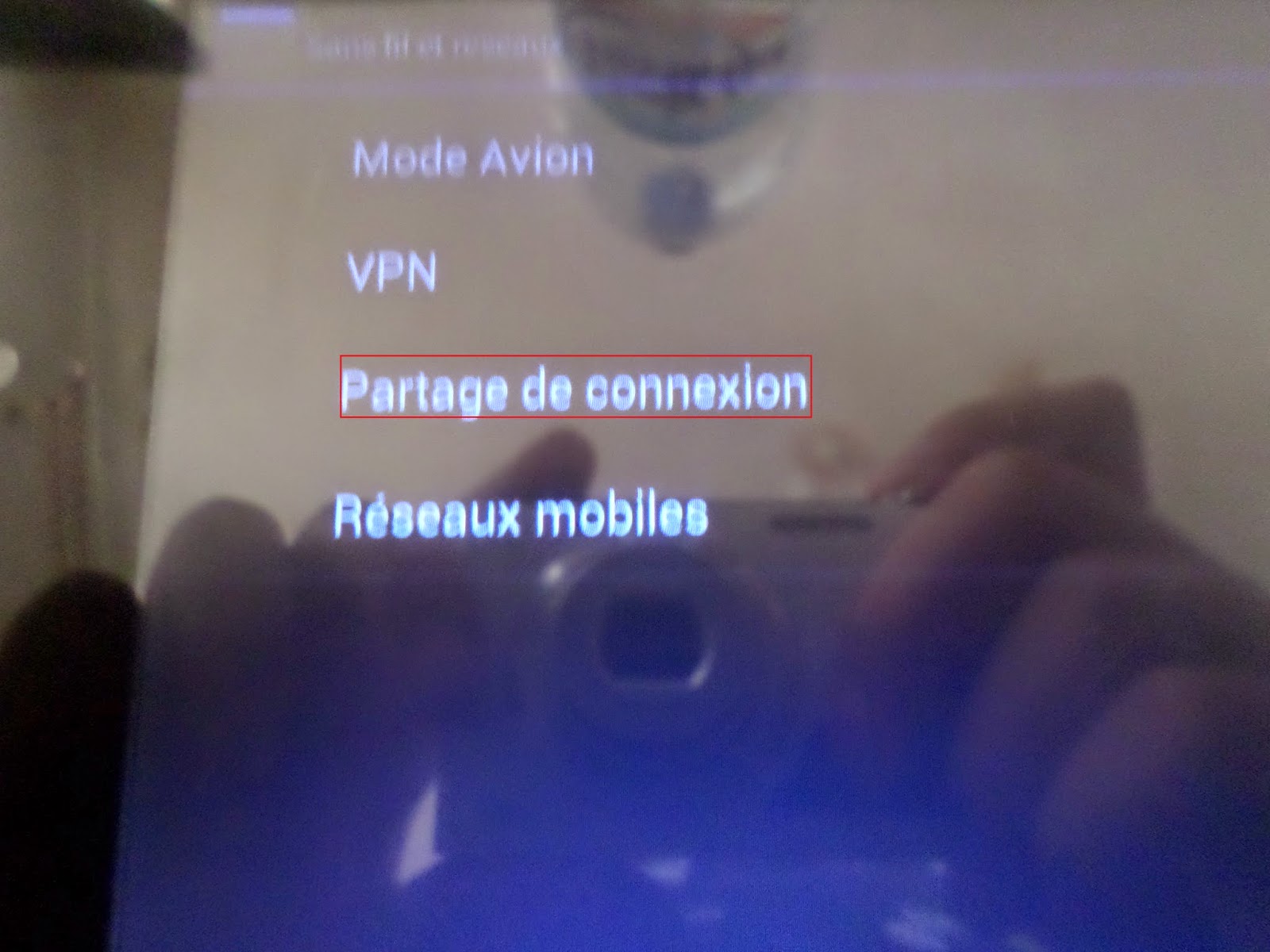 |
| نذهب الى مشاركة الاتصال |
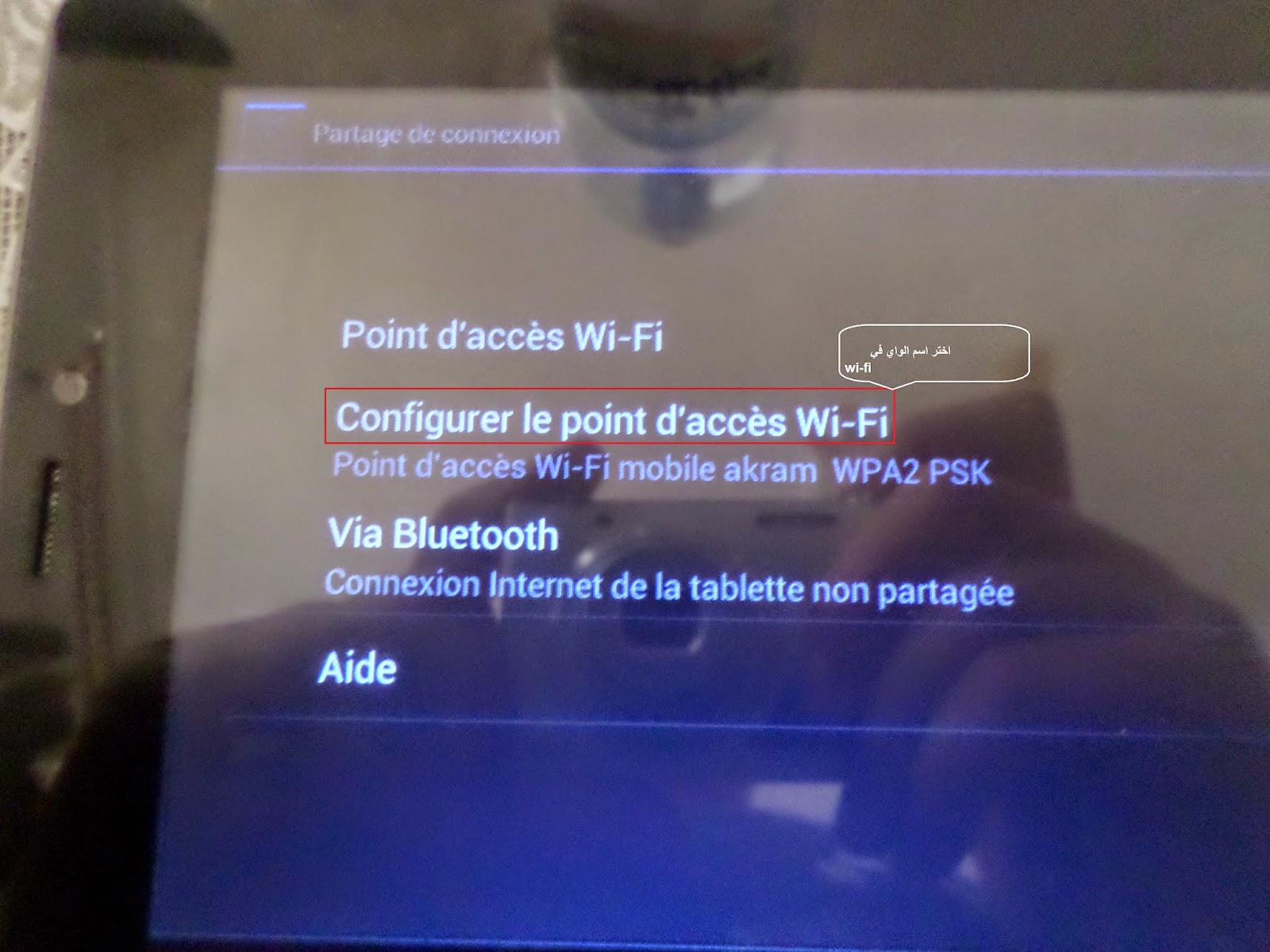 |
| نذهب الى تعديل نقطة الاتصال |
نختار اسم نقطة اتصال الواي في –
و نختار كود الاتصال –
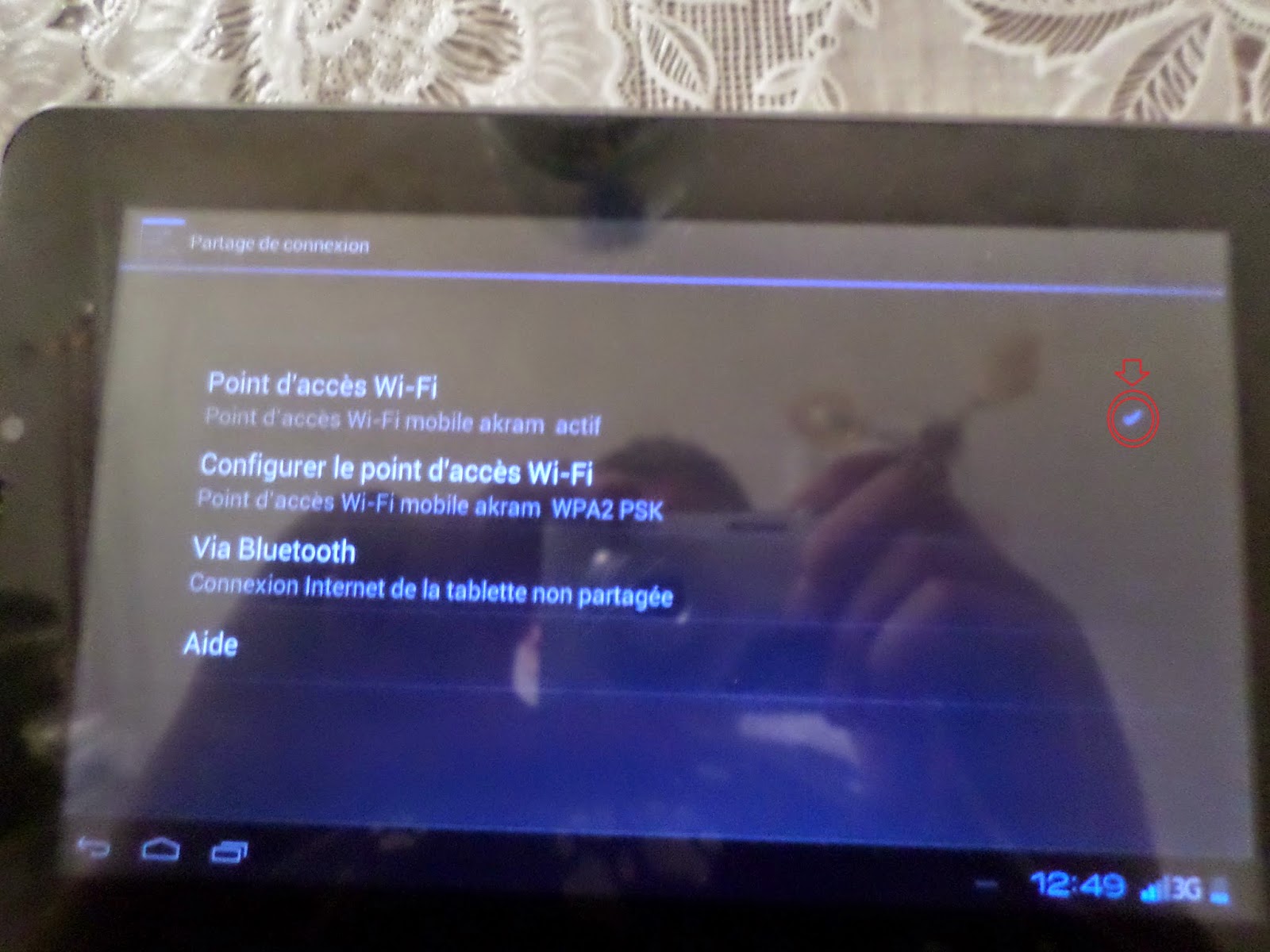 |
| WI-FIثم نعمل شك على نقطة اتصال |

Thanks for sharing. I read many of your blog posts, cool, your blog is very good.
Thanks for sharing. I read many of your blog posts, cool, your blog is very good.
Thank you for your sharing. I am worried that I lack creative ideas. It is your article that makes me full of hope. Thank you. But, I have a question, can you help me?
I really appreciated the reminder that sustainable habits matter more than chasing quick results. The practical focus on movement, sleep, and nutrition makes healthy living feel much more manageable.
Thanks for sharing. I read many of your blog posts, cool, your blog is very good.